BoomKeys is a small macOS menu bar utility that plays a mechanical-keyboard sound whenever I press a key. It has no backend, networking, telemetry, third-party dependencies, or bundled audio assets. It requires macOS Input Monitoring permission so it can react to key events outside its own menu.
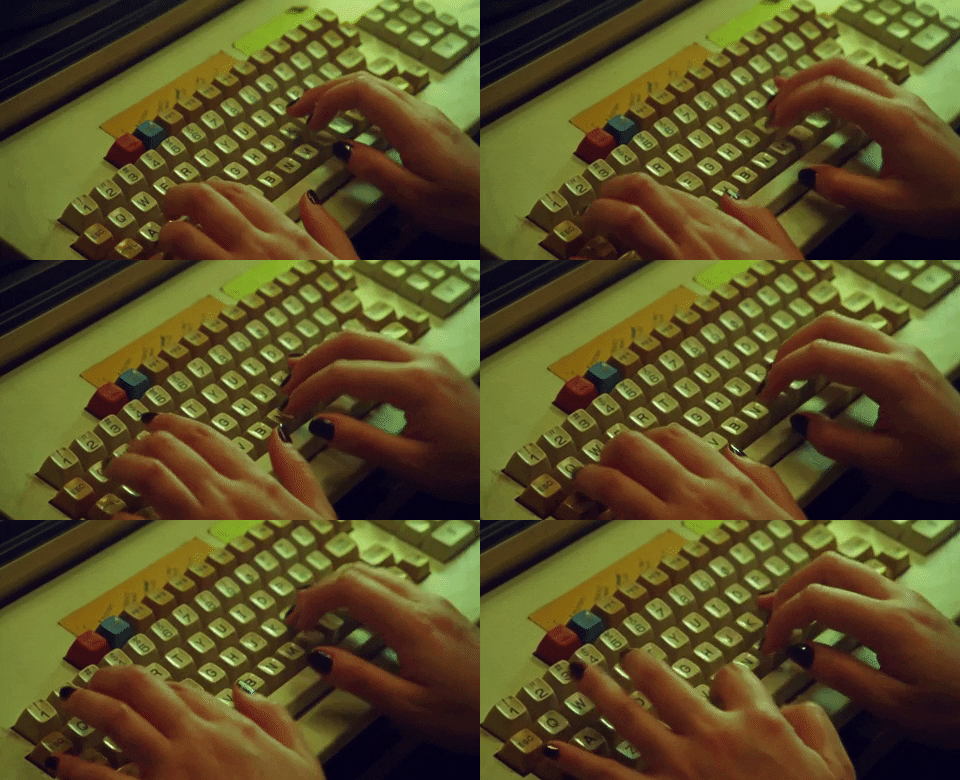
Why I built it
I like the sound of a mechanical keyboard, but I didn't want to replace my keyboard just for that.
So I wondered, how hard would it be to make my Mac play a sound whenever I typed? It turns out, not that hard.
How it works
BoomKeys uses native macOS APIs to listen to key events and play a sound whenever
a key is pressed. It monitors keyDown, keyUp and flagsChanged events. The
event tap is attached to the main run loop and is listen-only, so it can observe
events but cannot alter or block them.
It reacts to event type, repeat state, aggregate modifier flags, and the fixed Fn key code needed to deduplicate Fn events. For modifier keys such as Shift, Control, Option, and Command, a modifier-state tracker compares the current and previous flags to detect presses and releases.
For audio generation, it uses AVAudioEngine at 44.1 kHz mono. Built-in sounds are synthesized from sine-wave oscillators, deterministic pseudo-random noise, exponential decay envelopes, and multiple frequency components. Various mechanical keyboards sounds like: Boom, Thock, Linear, Tactile, Clicky, Sharp Click, and Pop are generated in memory. No sound files are bundled. Five pitch variants are precomputed for natural variation. Twelve AVAudioPlayerNode voices allow rapid sounds to overlap without cutting each other off. You can also add custom sound files, which must be under 3 seconds and 5 MB.
What went wrong
While testing the first version, I found a bug after locking the screen or closing and reopening the lid. If I pressed a key on the login screen, the sound would start and would not stop after I logged in. Other key presses did not stop it, so I had to force-quit the app from the menu bar.
The issue was that the app received a key-down event while the screen was locked, but not the corresponding key-up event. That left the key marked as held. To fix this, BoomKeys now observes system sleep, display sleep, screen lock, session switching, wake, and unlock. It accepts input only while all session conditions are active.
When suspended, BoomKeys stops the event tap, clears its held-key state, cancels the repeat task, and stops active audio. It creates fresh monitoring state only after wake and unlock.
What I left out
Currently, it plays the same sound for every key, regardless of the key's size or type. I would like larger keys such as Space and Enter to sound different or louder. Maybe I will add that in the future.
Result
The source and installation instructions are available on GitHub. It is a small utility, but I had fun building it and learned more about macOS event APIs and real-time audio generation. If you want to try it, the repository explains how to build and install it.